
The speed of software development has been increasing lately. Businesses call for timely delivery, less errors, and stable apps. Everything sounds easy enough until you consider all the processes involved and realize how challenging it is without proper tools.
Those who would like to develop skills applicable in real life may benefit from a DevOps training and certification course, which will link theory with practice and enable participants to learn the relevant tools used in the industry.
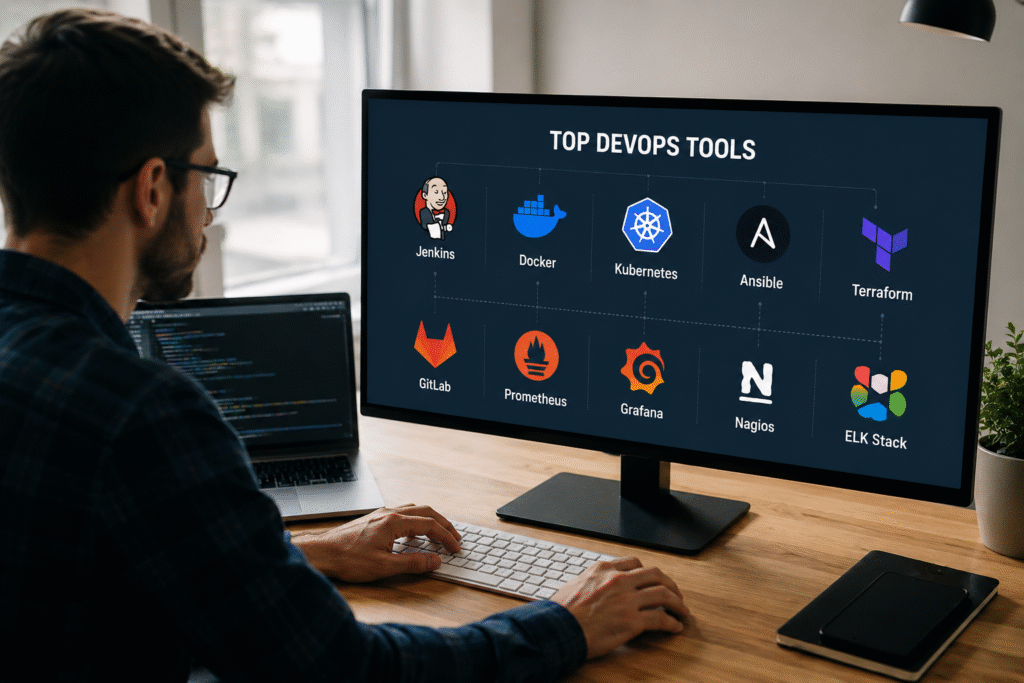
It should be mentioned that there is no single DevOps tool that one could use. Instead, an appropriate combination of tools is needed to enhance productivity, collaboration, and stability of the software. Some tools are widely adopted in the industry. Others may emerge and disappear. The following list contains only DevOps tools worth learning.
Why DevOps Tools Matter More Than Ever
Years ago, software teams could spend months building an application before releasing it.
That approach does not work anymore.
Users want their updates immediately. Companies are looking for quicker development. Threats must be addressed immediately.
With no automation in place, team members become overwhelmed very soon.
The most frequent pitfall many companies tend to fall into is assuming that DevOps is all about speeding things up. Speeding things up is important, but stability is much more important. Providing a broken software faster won’t help anyone.
Good DevOps solutions allow teams to:
- Minimize manual operations
- Provide better-quality software
- Identify problems faster
- Deploy software safely
- Track system performance constantly
The companies that manage to achieve great results always prioritize stability above everything else. Speed comes as an inevitable outcome.
Git – The Tool Every DevOps Engineer Must Know
If there is one tool that belongs at the top of every DevOps list, it is Git.
Git tracks changes in source code. Every developer working on modern software uses some form of version control.
Without Git, teamwork becomes messy very quickly.
Imagine five developers editing the same file at the same time. Nobody knows which version is correct. Changes get overwritten. Bugs appear.
Git solves that problem.
Why Git Matters
Git allows teams to:
- Track code changes
- Create branches
- Review updates
- Roll back mistakes
- Collaborate safely
Many beginners rush toward advanced cloud tools and ignore Git.
That usually backfires.
A strong Git foundation makes everything else easier.
What Usually Works
Small commits made regularly.
Clear commit messages.
Feature branches for new work.
Code reviews before merging.
What Often Fails
Huge commits containing dozens of changes.
Poor commit descriptions.
Direct changes to production branches.
Skipping code reviews.
Many DevOps professionals consider Git the most important tool to learn first, and that opinion is hard to argue against.
GitHub and GitLab – More Than Code Repositories
Git helps you keep track of changes in your code.
Git is used with tools like GitHub and GitLab, for teamwork.
Most development teams today use one of these tools to work together.
Here are some important things these tools can do:
- They store your source code.
- You can make a ” request” to get your changes reviewed.
- They help you track bugs in your code.
- Many people can work together on a project.
- Continuous Integration/Continuous Deployment (CI/CD)
GitHub
GitHub is really popular for working on code
It is still the number one choice for this kind of thing.
Lots of people who make open-source software use GitHub all the time.
Many companies use GitHub Enterprise to make their software.
GitLab
It is another option that people like to use.
GitLab has a lot of features that help teams work together.
Many teams like GitLab because it has a way to test and deploy code automatically.
Generally, either will be better based on what suits the company.
Jenkins – The Tool That Changed CI/CD
Jenkins has been there for ages.
Some people consider it outdated.
But others use it on a daily basis.
Even after newer solutions have emerged, Jenkins is one of the most commonly used continuous integration tools.
What Jenkins Does
Jenkins takes care of repetitive processes.
Once developers commit code, Jenkins can:
- Build applications
- Test code
- Deploy packages
Automation saves people from making mistakes.
Why Companies Still Use Jenkins
Many enterprises invested heavily in Jenkins.
Its plugin ecosystem remains massive.
Almost every integration imaginable already exists.
What Usually Works
Simple pipelines.
Well-organized jobs.
Automated testing before deployment.
Docker – A Skill Every Engineer Should Have
Docker changed how software gets deployed.
Before Docker became popular, developers constantly heard the same phrase:
“It works on my machine.”
That statement often meant trouble.
Docker solved that problem by packaging applications and dependencies together.
What Docker Does
Docker builds containers.
The container is consistent in all environments.
No matter where it runs – a laptop, test server, or cloud infrastructure – the application runs in the same way.
What Usually Works
Keeping containers lightweight.
Using official images.
Building one service per container.
Kubernetes – Managing Containers at Scale
Docker works well for a few containers.
Large companies often manage hundreds or thousands.
That is where Kubernetes becomes important.
What Is Kubernetes?
Kubernetes automates container management.
It handles:
- Scaling
- Load balancing
- Self-healing
- Deployment automation
Why Organizations Use Kubernetes
Applications experience traffic spikes.
Servers fail.
Resources change constantly.
Kubernetes handles these situations automatically.
A Common Misunderstanding
Many beginners think Kubernetes is required for every project.
That is not true.
A small application with a few containers may not need Kubernetes at all.
One practical judgment worth mentioning is that many companies adopt Kubernetes too early. The technology is powerful, but it also adds complexity. Sometimes Docker alone is enough.
Terraform – Infrastructure as Code That Makes Sense
Infrastructure management used to involve manual server creation.
That process was slow and inconsistent.
Terraform changed the game.
Why Terraform Is Popular
Everything becomes repeatable.
Teams can recreate environments quickly.
Infrastructure changes become easier to track.
What Often Fails
Massive Terraform files.
No documentation.
Unmanaged infrastructure drift.
Terraform has become one of the most requested skills in cloud-focused DevOps jobs.
Ansible – Automation Without Extra Complexity
Automation should make work easier.
Some tools make automation complicated.
Ansible takes a different approach.
Why Engineers Like Ansible
Ansible uses simple YAML files.
No agents are required on managed systems.
Setup is straightforward compared to many alternatives.
Common Uses
Ansible helps automate:
- Software installation
- Server configuration
- Security updates
- Application deployment
What Usually Works
Small playbooks.
Reusable roles.
Clear naming conventions.
Prometheus – Monitoring That Engineers Trust
Building systems is just part of the process.
The other crucial part is their monitoring.
Now, Prometheus has gained fame for being among the most reliable monitoring systems in today’s DevOps landscape.
Functions Performed by Prometheus
The metrics collected by Prometheus include data regarding:
- Performance
- Resource consumption
- System health
Why Monitoring Matters
Problems rarely announce themselves.
Good monitoring helps teams spot issues before users complain.
That alone can save hours of troubleshooting.
Grafana – Turning Data Into Useful Information
Raw monitoring data can be difficult to understand.
Grafana solves that problem.
What Grafana Does
Grafana creates dashboards that visualize data collected by tools like Prometheus.
Teams can quickly see:
- CPU usage
- Memory consumption
- Network performance
- Application metrics
Why Teams Like Grafana
The interface is clean.
Dashboards are customizable.
Information becomes easier to understand.
Good dashboards help teams make better decisions faster.
Conclusion
DevOps tools continue to advance, but some remain constant in successful engineering practices. The likes of Git, Docker, Kubernetes, Terraform, Ansible, Jenkins, Prometheus, and Grafana have been included among those that have become standard because they help to address real-life problems.
Learning everything about all DevOps tools at once may be impossible for most people. The preferred way would be mastering one tool, using it in real-time, then learning another. Having mastered one tool is usually more advantageous than knowing dozens but poorly understanding any of them.
For professionals who intend to develop the relevant skills, develop their careers, and get exposure to some of the best-in-class tools, there is need for structured training. The aim of Cybermind IT Solutions is helping budding engineers master not only what the tools do, but also when and why they are used.
FAQ
Which DevOps tool should beginners learn first?
One should focus on Git as almost all development and DevOps workflows involve versioning tools.
Is Docker enough for a DevOps career?
While Docker is crucial, most employers also look for skills related to CI/CD, cloud, automation, and other monitoring tools.
Do all companies use Kubernetes?
No, though quite a few do, smaller companies can operate fine without Kubernetes.
Is Terraform difficult to learn?
Terraform is relatively easy compared to some other tools in the market owing to its readable configuration files.
How does a DevOps Certification Course help?
It will give you the practical experience of using the DevOps tools and technologies deployed by companies around the world.